The LuvemBooks app
Scan any book. Know if it's for you.
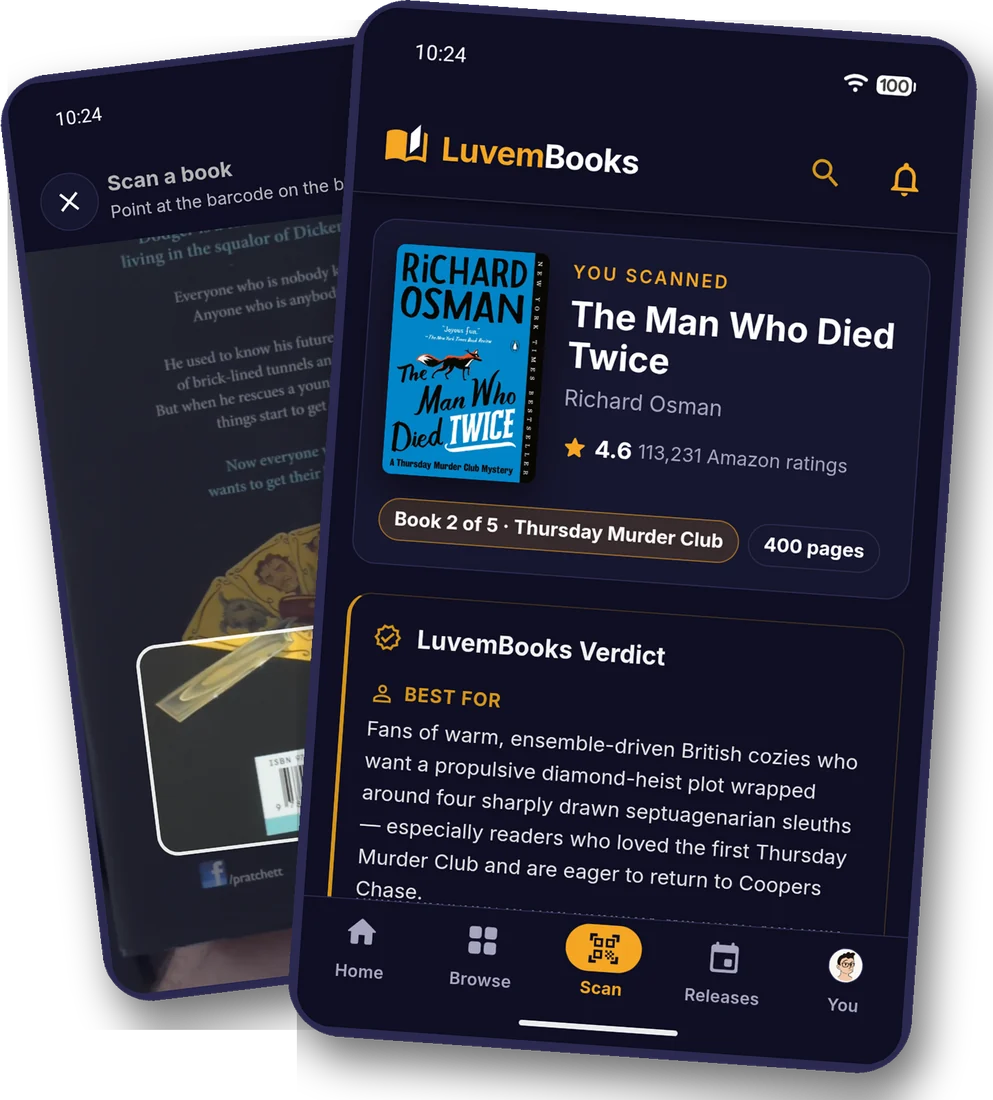
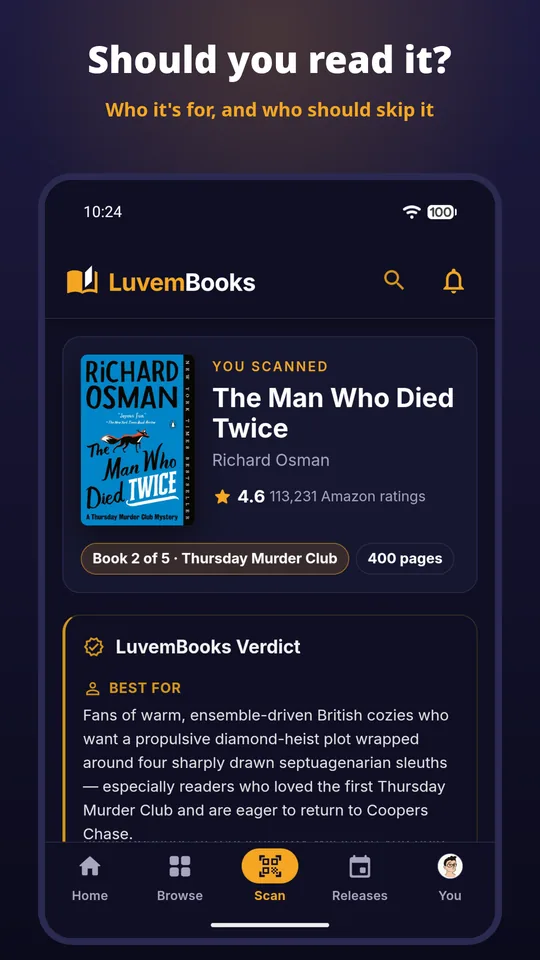
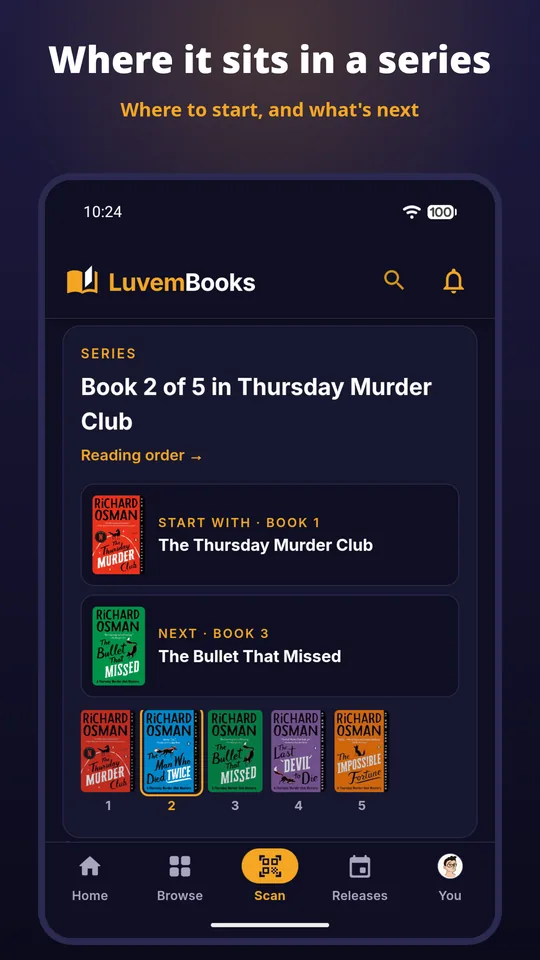
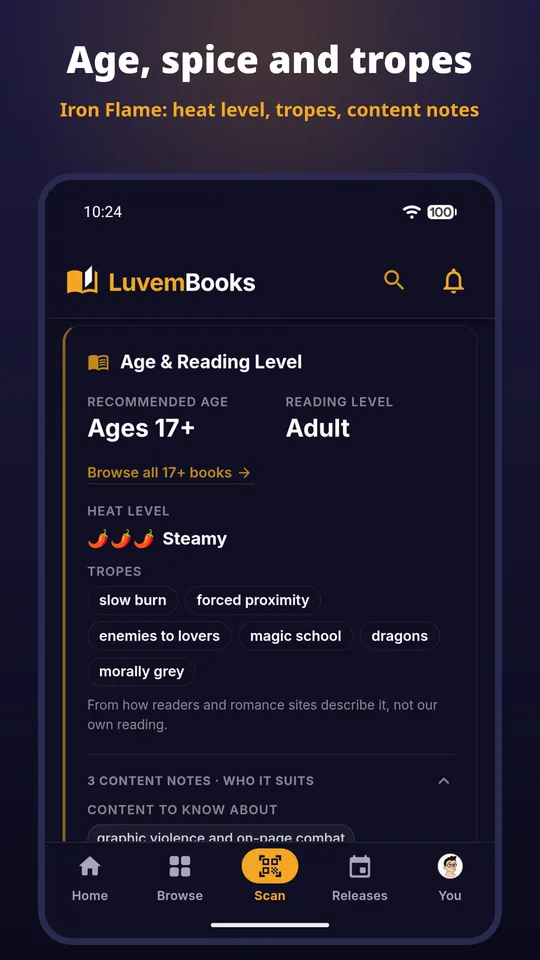
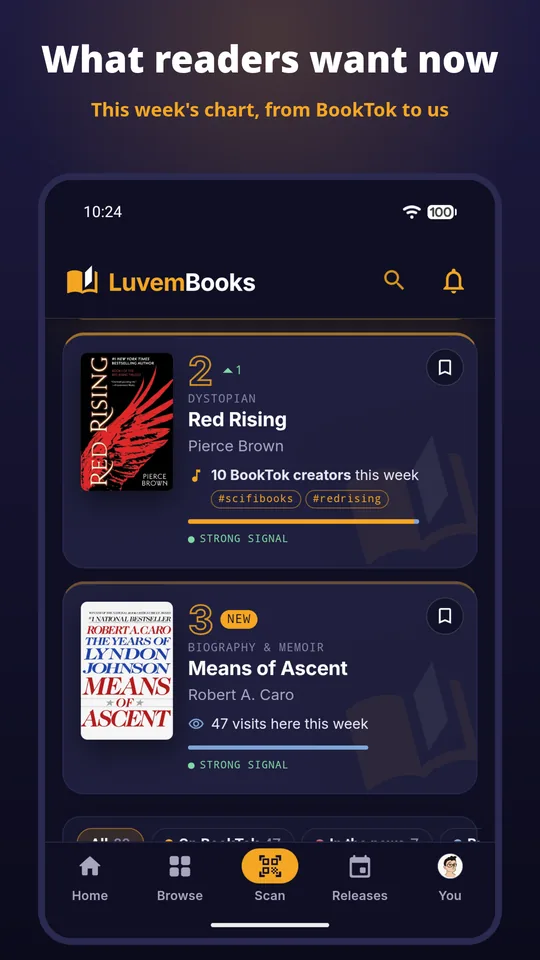
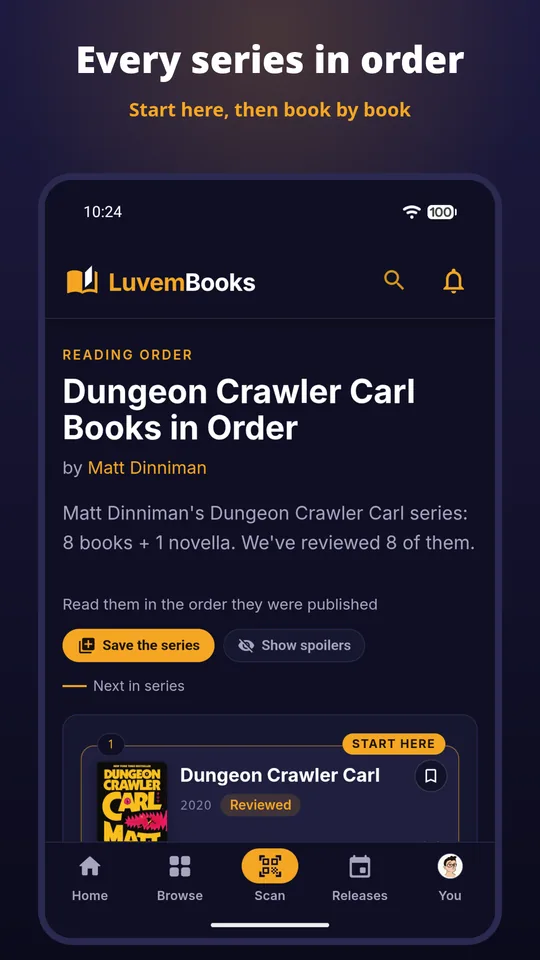
Point your phone at a book's barcode in a shop, a library or on your own shelves, and get our verdict: who it's for, who should skip it, its spice level, content notes and where it sits in its series.
Free · Android
You're using the app already.
What it does
Everything on the site, from the barcode
Questions
Before you install
- Is it free?
- Yes. The app is free, with no ads. Like the website, it's paid for by a small commission when you buy a book through one of our Amazon links.
- Do I need an account?
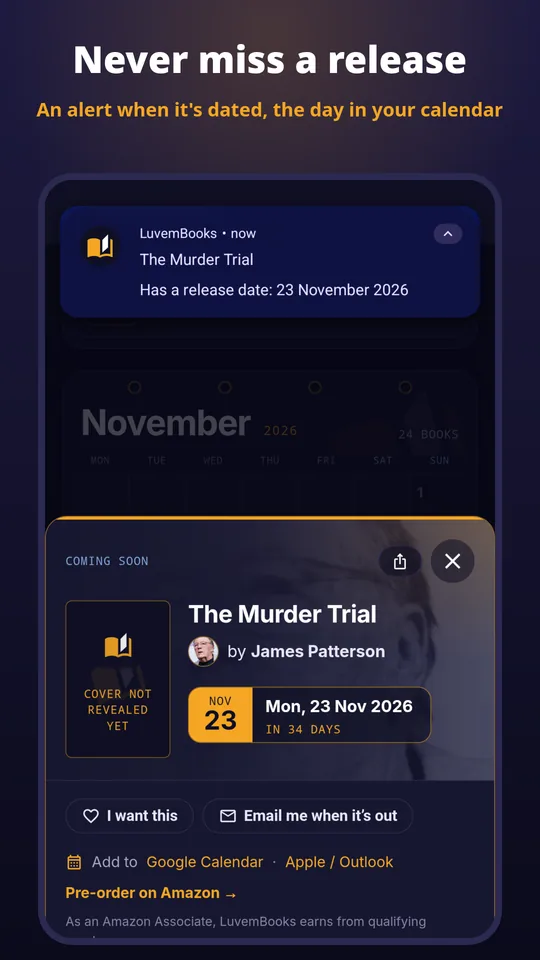
- No. Scanning and reading verdicts work without one. A free account adds your shelf and reading status, and it's the same account as on the website. Release alerts need only an email address.
- Which edition should I scan?
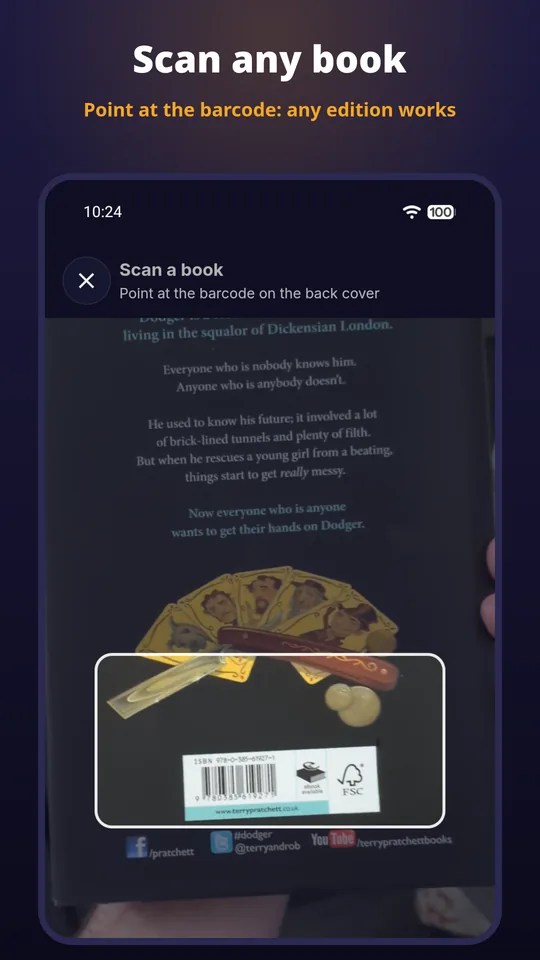
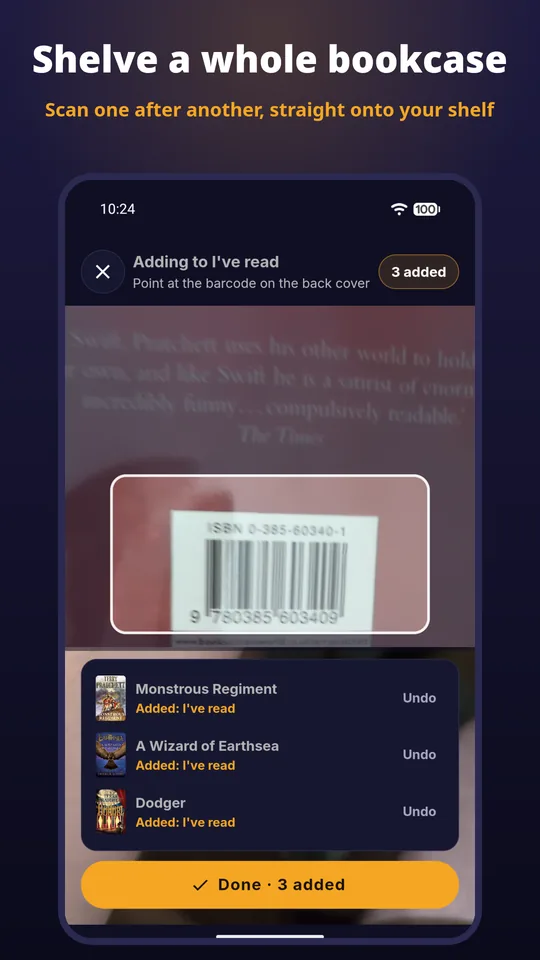
- Any. Point the camera at the barcode on the back cover of a paperback, hardback or special edition, and we find the book.
- Is there an iPhone version?
- Not yet. The app is Android only for now; everything in it is also on luvembooks.com in your phone's browser.
Get it on Google Play
Your next book, one scan away
Prefer the browser? Everything is on the site too: browse the books